

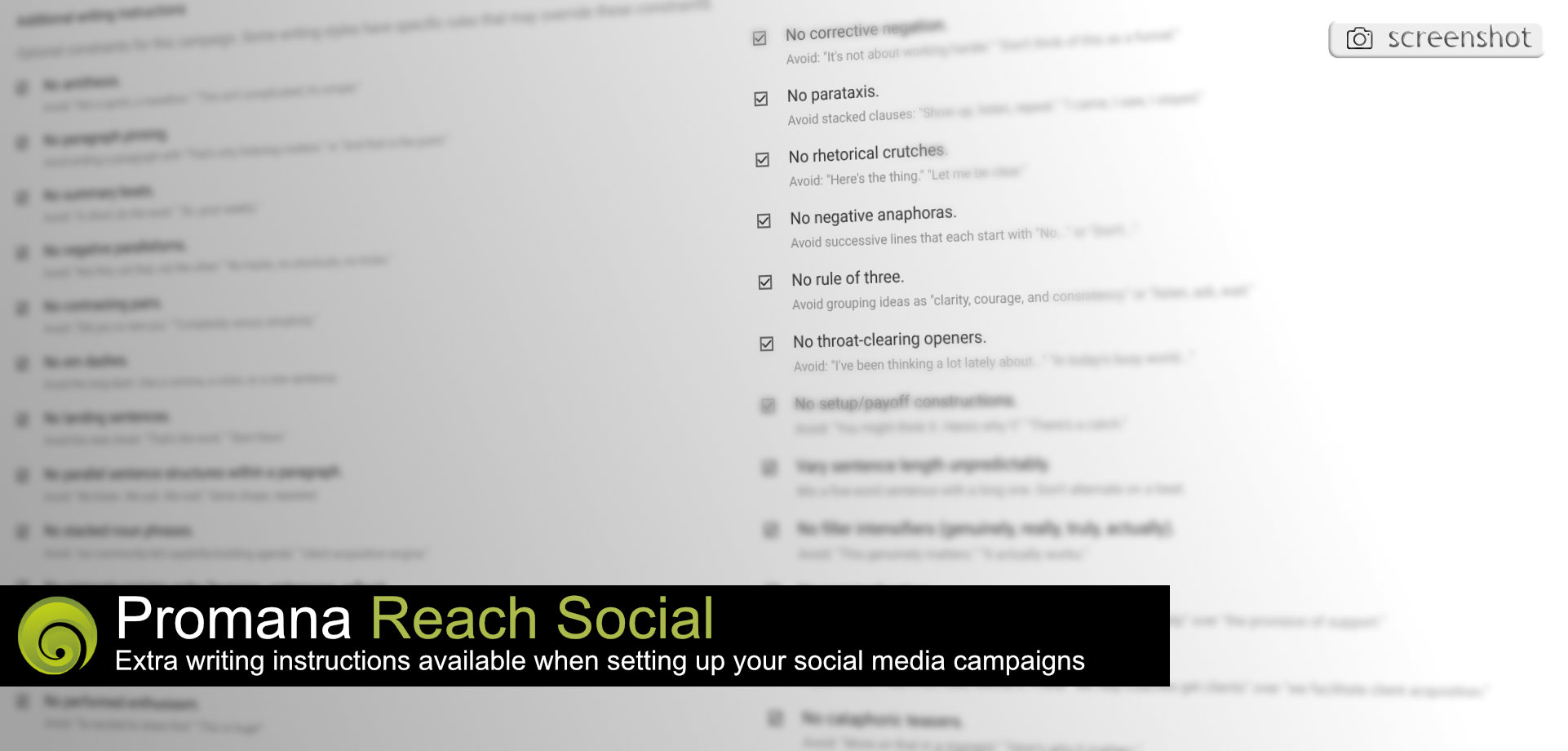
I want to talk about a feature in Reach Social that most people skip past. It sits there in the campaign setup, a text box labeled "Extra Writing Instructions." Looks simple. Maybe even optional. But this is where the magic happens.
The Triad: Voice, Constraints, Flow
Three elements determine whether your automated content connects or gets scrolled past. Voice is the personality your audience recognizes. Constraints are the guardrails that prevent generic output. Flow is the rhythm that keeps people reading. Extra Writing Instructions gives you control over all three.
Voice: Teaching the System Who You Are
You know that feeling when you read something and think "a robot wrote this"? 🤖 It happens because most AI defaults to the same patterns. The enthusiastic opener. The three-point structure. Words like "leverage" and "underscore" that nobody uses in conversation.
When I built Reach Social with the team, we wanted coaches to sound like themselves. The Extra Writing Instructions field lets you specify tone, vocabulary preferences, even the cadence of your sentences. One of our users writes instructions like "conversational, slight humor, avoid business jargon." Another prefers "direct and warm, like talking to a friend over coffee." ☕
The system adapts. Your content stops sounding like everyone else's content.
Constraints: What You Ban Matters
Here's something I learned from years of watching content fail. The problem is rarely what's missing. The problem is what's included that shouldn't be.
Filler intensifiers like "genuinely" and "truly" dilute your message. Throat-clearing openers waste your reader's attention. Corporate language creates distance when you're trying to build connection. 📉
Extra Writing Instructions lets you ban these patterns explicitly. You can tell the system "no em dashes" if you find them distracting. You can specify "write for the spoken voice" if you want something that sounds natural when read aloud. You can eliminate the LinkedIn influencer formula that audiences have learned to tune out.
This is the part that excites me most. By specifying what to avoid, you force the system to find fresh paths to your message. The output becomes unpredictable in the best way.
Flow: Beyond the Template
Most automation tools produce content that feels templated because it is templated. Same structure. Same rhythm. Same landing sentences that try to sound profound.
With detailed writing instructions, you can break those patterns. Ask for varied sentence lengths. Request that ideas flow naturally without artificial summary beats. Specify that each paragraph should feel different from the last. 🌊
The result is content that holds attention. Readers stay engaged because they can't predict what's coming next.
Why This Matters for Coaches
Your clients chose you because of who you are. Your expertise, yes. But also your personality. The way you explain things. The stories you tell. The specific words you use when you're helping someone break through a barrier. 💪
Generic marketing automation erases all of that. It replaces your voice with a corporate approximation that could belong to anyone. Your audience feels the difference, even if they can't articulate it.
Extra Writing Instructions preserves what makes you distinctive. You're teaching the system to write like you, with all your quirks and preferences intact.
Getting Started
If you're already using Reach Social, spend ten minutes with the Extra Writing Instructions field on your next campaign. Think about:
What phrases do you use when talking to clients? What corporate language makes you cringe? How do you want your content to feel when someone reads it? ✍️
Write those answers into the field. Run a test campaign. Compare the output to what you were getting before.
The difference will surprise you.
For those who haven't explored Reach yet, I've put together demos that walk through the entire system. You can watch them at promanapeople.com/explore/reach and see how these features work together to solve the marketing automation frustrations that coaches face every day. 🎯
Your voice deserves to be heard. Not a sanitized, AI-smoothed version of it. The real thing.